
Marketing
Keep in touch with the people who choose you
Email follow-up tools for the people who chose you. Invite them to subscribe, write emails they will want to read, and let follow-ups wait for the right moment.


Invite people to subscribe
A relationship starts with a clear invitation.
Invite sign-ups with a pop-up, a slim field above the footer or a section on any page. Every address lands in the same list.
Write the consent text in your own words, and it is saved with every sign-up. Turn on double opt-in and new subscribers confirm by email before they join. Your changes reach the website the next time you publish.

Your guide to keeping in touch
Write an email worth opening
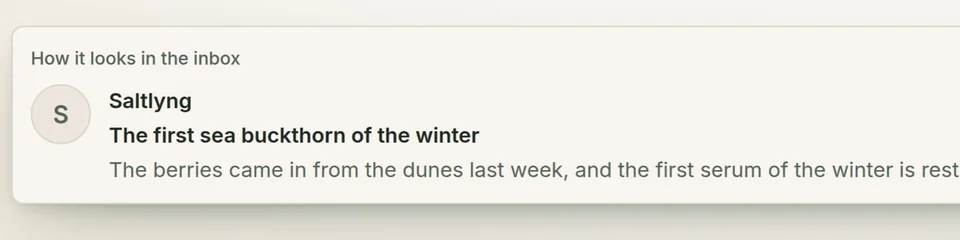
Build an email from simple blocks: a heading, text, an image, a button, a divider and a footer. Add your signature and preview text, and check how it looks on a computer and a phone before you queue it. Drafts wait patiently until you are ready.
Some email templates are part of the Business plan.
Follow up at the right moment
A follow-up starts when something happens. Someone signs up for your newsletter, fills in a form or books a time. An order is paid or shipped. Then it waits as long as you choose and sends the emails you prepared, checking consent again before every single one.
Follow-ups come with Pro and Business, and the ones triggered by bookings need Business. They are all about email, not social posts or ads.
From a new sign-up to your first email.
A visitor signs up and confirms by email. In Talelike you see the confirmed subscriber, write to them, preview the email and place it in the send queue.
Sending needs a sender set up for your domain and the right plan. Consent always comes first, and a queued email is not yet a delivered one.
Your sender and your consent text
Sending needs a sender set up for your domain and the right plan. Consent always comes first, and a queued email is not yet a delivered one.
You set up your sender once, for your own domain. After that, a queued email waits its turn to be processed. Queued means on its way, not yet in an inbox.
The consent settings are tools, not legal advice. How you ask and what you send stays your responsibility.
Ready to write to your readers?
We can help you set up your sender. Or compare the plans and see where follow-ups begin.